Bake Textures and Simplify a Model from 3D Google Warehouse
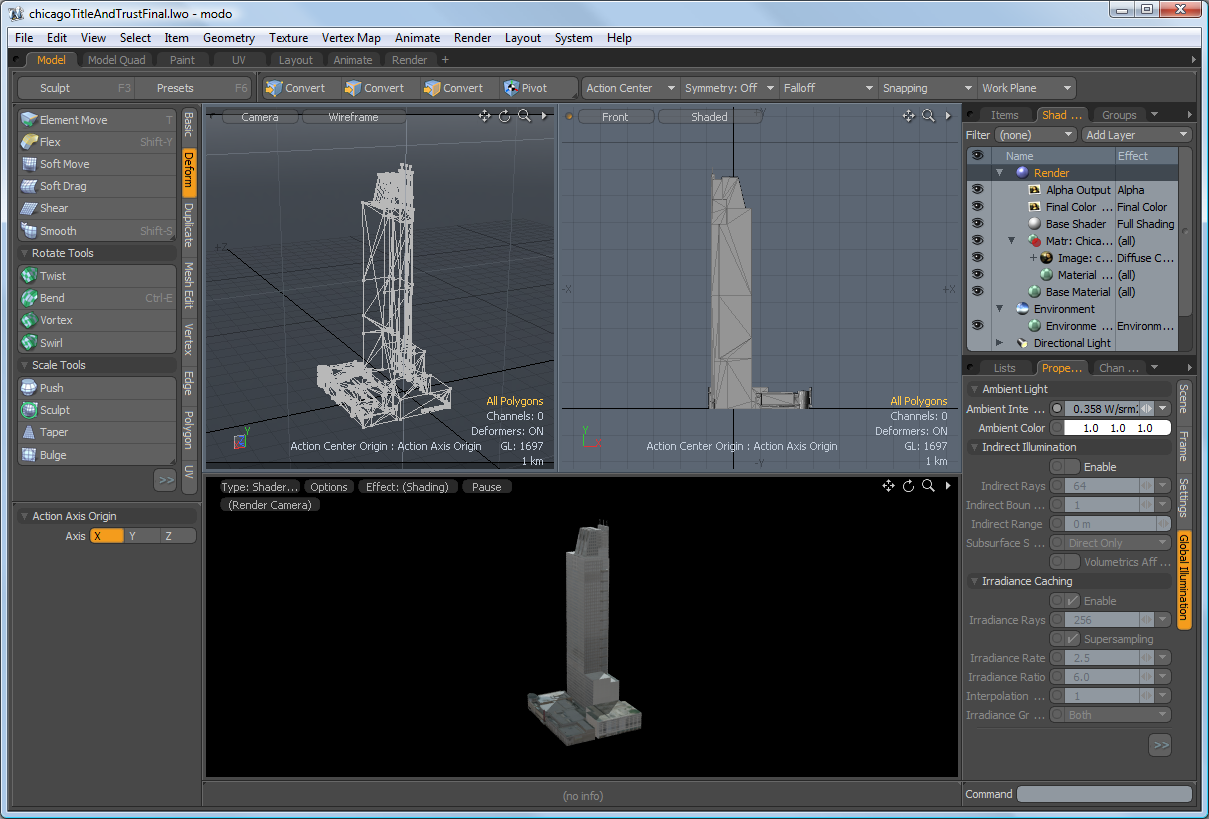
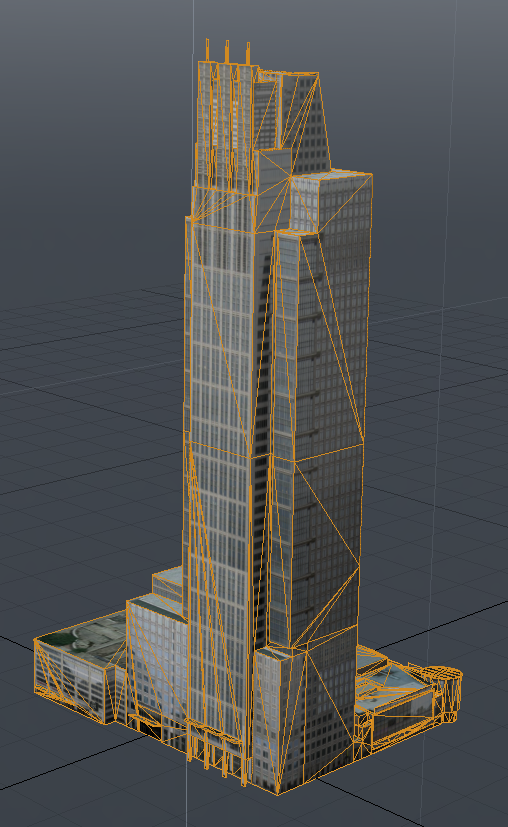
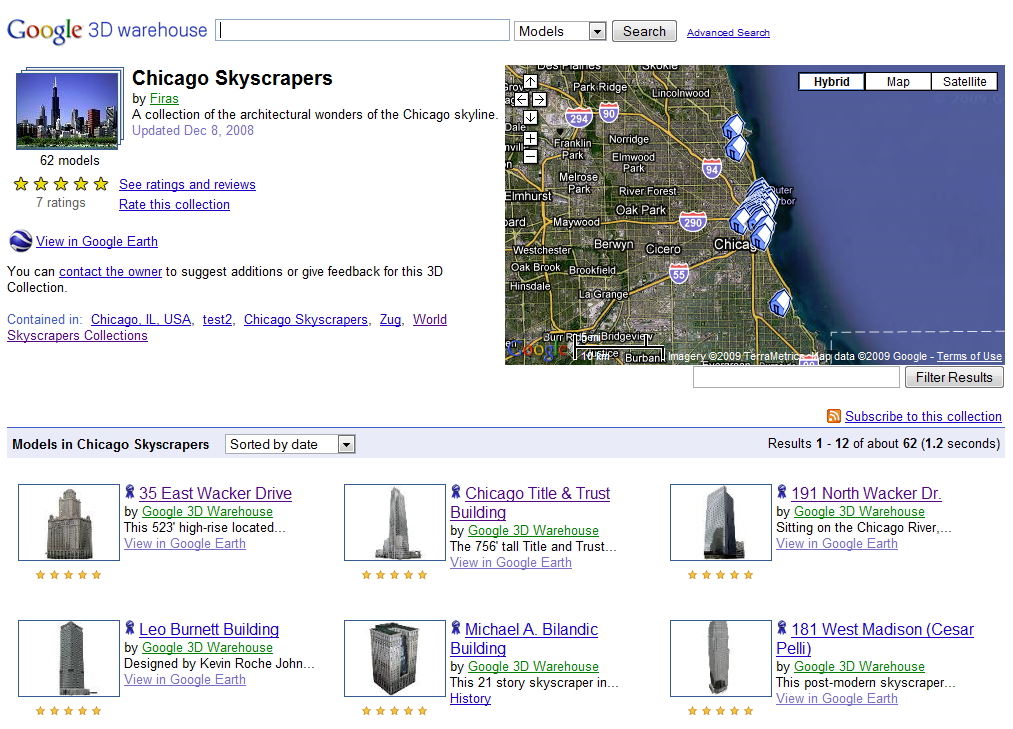
This tutorials shows some steps to convert a model from the online Google 3D warehouse into a simple single mesh single texture object. This can be very useful for creating filler content that is not the center of attention but easily good enough for stand in content and backgrounds to 3D scenes. I’ll be taking you through this tutorial to show exactly how to do that.
Software Required:
- Luxology Modo 401
- Sketchup Pro, Blender 3D or any other 3D model converter that supports sketchup files
Basic Outline of the Tutorial:
- Flatten the mesh into one layer
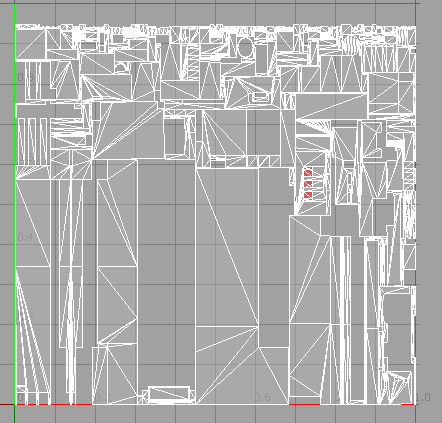
- Create a new atlas UV map for the entire mesh
- Back all the textures into a single mapped texture
- Create a single named material for the new mesh with the UV map applied
- Save out a preset with preview image for later use
Update Notes (Dec 2011)
- Modo 501 now loads in collada file formats from the 3D warehouse directly so most models can be imported straight into modo with the textures intact